Your Restaurant’s Menu Page Is Your Real Homepage (Here’s What the Data Says)
I send monthly website reports to clients, and most months I could write them in my sleep. Traffic up a little, traffic down a little, the contact page did its job, see you next month. But this month one report stopped me cold, and it wasn’t because of anything surprising. It was because of how unsurprising it was once I actually looked.
The client is a bar and grill here in the desert. Good food, loyal regulars, the kind of place that fills up the second the snowbirds land. Their August report, which is the slowest month of the year out here, showed a few hundred visitors. Nothing dramatic. What got my attention was where those visitors went.
In this article
Almost nobody was there to browse
The homepage was technically the most-visited page, which is what you’d expect. It’s where people land. But the menu page was right behind it, and when I added up the main menu, the happy hour menu, and the drink menu, roughly nine out of ten visitors that month looked at a menu. The location and hours page was a distant fourth. Everything else on the site, the about page, the photo gallery, the events, might as well not exist.
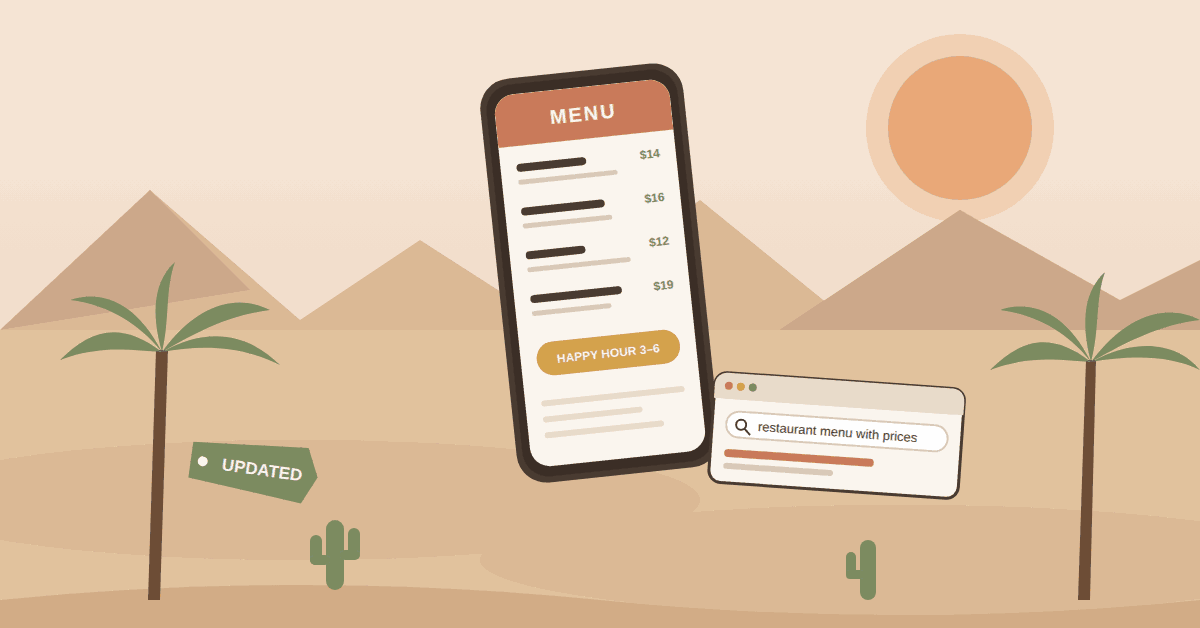
Then I looked at what people typed into Google to get there. Nearly six out of ten searches that sent someone to the site had the word “menu” in them. Not “best bar in Palm Desert.” Not “happy hour near me.” They searched the restaurant’s name plus “menu.” A few searched the name plus “happy hour menu.” My favorite one, because it’s so specific and so human: the name plus “menu with prices.”
And about three of every four visits happened on a phone.
Picture that person. They’re standing in a parking lot at 5:15, or on the couch deciding whether to go out, and they’ve already chosen your restaurant. They’re not shopping. They’re confirming. What’s on it, what does it cost, and is happy hour still a thing. That’s the whole visit.
This isn’t one restaurant
I went back and looked at a few other places I’ve worked with over the years, including several in Palm Springs and one in Indio, and the pattern is the same everywhere. Homepage, then menu, then a big gap, then hours. It doesn’t matter if it’s a cocktail lounge, a taco spot, or a golf-course grill. If you serve food, your menu page is doing most of the work on your website, and the rest of the site is mostly there to look nice.
Which means the page most restaurant owners think about least is the page most of their customers came for.
The uncomfortable part
Here’s what I’ve seen on restaurant websites across the valley, and I’d bet at least one of these applies to yours:
- The menu is a PDF someone uploaded in 2023. It’s the old prices. Half the specials are gone. On a phone you have to pinch and zoom to read it.
- The menu is a photo of the printed menu, taken at an angle, slightly blurry.
- There’s a menu on the website, a different menu on Yelp, and a third menu on Google, and none of them agree.
- Happy hour changed six months ago. The website didn’t.
- Prices were left off entirely, on the theory that it keeps people from comparison shopping. It doesn’t. It just makes them search “menu with prices,” get frustrated, and pick the place that told them.
None of this is laziness. Restaurants are chaos, and the website is the last thing on anyone’s list. But go back to that person in the parking lot. They’ve already picked you. The only thing standing between them and a table is a page that answers three questions, and if the page is wrong, out of date, or unreadable on a phone, you didn’t lose a browser. You lost a customer who was on the way.
What to do about it
The good news is this is one of the cheapest fixes in marketing. In order of impact:
- Put the menu on the page as actual text. Not a PDF, not a photo. Real text that Google can read, phones can display without zooming, and screen readers can speak. If you want a printable version too, fine, link to it underneath.
- Include prices. People are literally searching for them. A price on the page is a price you didn’t have to explain at the table.
- Give happy hour its own page or section with its own headline. It’s a separate search. On the site I mentioned, the happy hour menu had more than twice the traffic of the drink menu. Make it easy to find and keep the hours on it current.
- Test it on your phone, standing up, outside. Not on your laptop at the office. If you sigh before you find the price of a burger, so does everyone else.
- Make the website the source of truth, then match Google and Yelp to it. When the menu changes, update the site first, then the Google Business Profile, then everything else. Google increasingly pulls menu details straight into search results and Maps, and AI assistants are starting to do the same. The restaurant in that report already had a handful of visitors arrive via an AI assistant this month. Small number, but it wasn’t there a year ago, and those tools can only recommend what they can read.
- Put a name on it. Someone on staff owns the menu page. When the kitchen changes a dish or a price, that person updates the site within a day. Twenty minutes a month. That’s the whole system.
A quick note on timing
If you run a restaurant out here, you know what happens after Labor Day. Highway 111 fills up, the patios open, and every visitor who hasn’t been in since April is going to pull up your website from the car. September is the month to fix the menu page, not November. If your menu is changing for the season anyway, that’s the perfect excuse to rebuild the page properly while you’re at it.
Common questions
Isn’t a PDF menu easier to keep updated?
It feels that way because you can export it from whatever the printer uses. But a PDF is invisible to Google, awkward on phones, and easy to forget about because it doesn’t look “broken” when it’s wrong. A text menu takes an extra fifteen minutes to set up and pays that back the first month.
Should I list prices if they change often?
Yes. Add a line like “prices subject to change” if it makes you feel better, but list them. Customers who can’t find a price assume it’s higher than it is.
Do I need a separate menu page for every menu?
Separate pages (or at least separate, clearly labeled sections) for your main menu, happy hour, and drinks help both people and Google find the specific thing they searched for. One giant page with everything on it is better than a PDF, but three focused pages are better still.
What about restaurant websites that are only an Instagram page?
Instagram is a great place to show the food. It is a terrible place to find the price of the food. Google can’t read your Story from Tuesday. If Instagram is all you’ve got, a single-page website with hours, location, and a text menu will do more for you than the next hundred posts.
Casey Dolan runs Casey Dolan Consulting out of La Quinta, helping Coachella Valley businesses and nonprofits with practical, no-upsell digital marketing. If you’d like a second set of eyes on your restaurant’s website (menu page included), let’s talk.
Share this article

Written by : Casey Dolan
Casey Dolan is a website and digital marketing consultant with 20 years of experience helping businesses, nonprofits, and events make clearer decisions online. He works directly with clients on WordPress websites, SEO, paid media, and practical digital strategy—without the agency runaround.